Searching for Report Entries
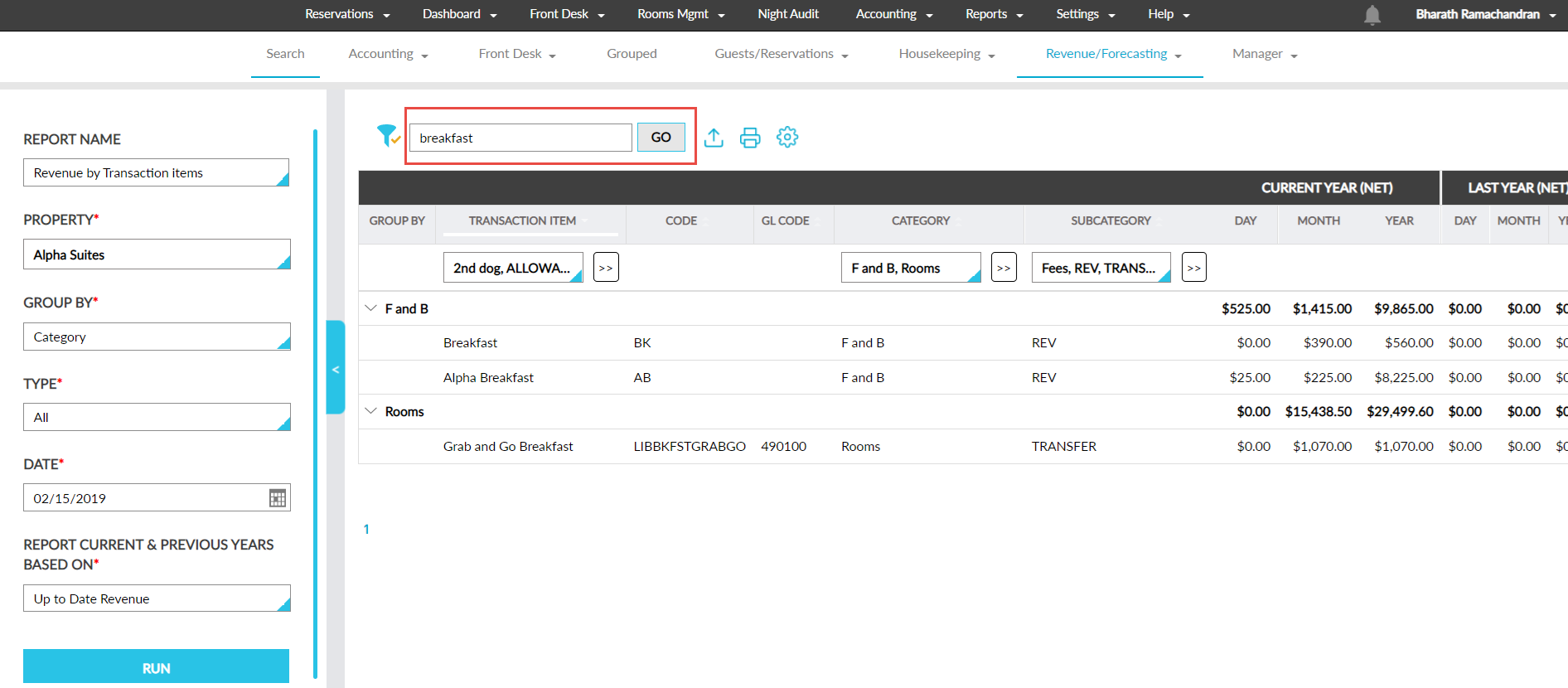
The search tool in dynamic reports allow users to search and filter out a specific data in the report.
Perform the following steps to search for a data in the report:
Navigate to Reports ➜ Dynamic Reports.
Select the preferred report.
Enter the required details in the Search field and click Go to search. Based on the entered details, the search results are displayed.